A launchpad on Solana
Afterburners for the coins you love.
Launch a coin on Afterburner and its trading fees go to work for a parent coin you already believe in. Half of every fee buys the parent and burns it. The split locks onchain at launch.

A launchpad on Solana
Launch a coin on Afterburner and its trading fees go to work for a parent coin you already believe in. Half of every fee buys the parent and burns it. The split locks onchain at launch.
01 of 07 · Seed
Every build begins with a single choice: the parent coin your launch will burn for. Any Solana token with a community behind it.
02 of 07 · Build
Your wallet signs each step. Afterburner never holds your keys or your fees.
03 of 07 · Lock
Once the split is written to pump.fun's fee-sharing config, it is permanent. Nobody can change it afterward, including us.
04 of 07 · Ignite
Trading fees flow to four public worker wallets. They buy, burn and add liquidity onchain, and every burn leaves a transaction you can check.
05 of 07 · Mark
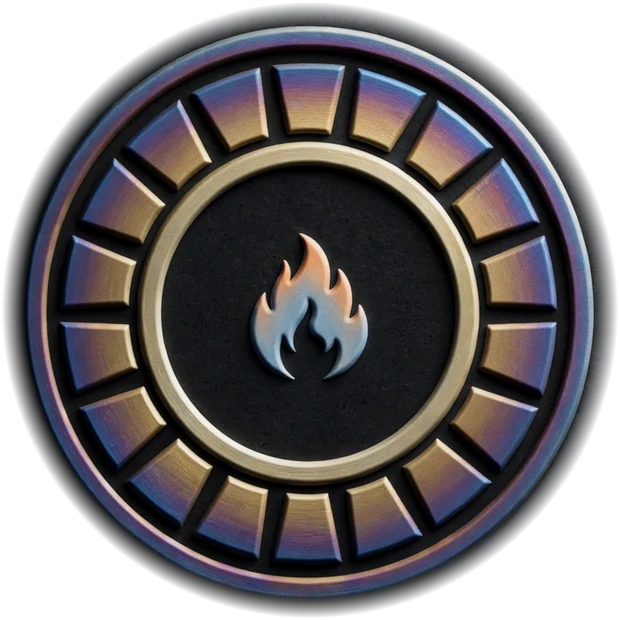
It's an afterburner seen from behind: eighteen heat-tinted petals, a locked core and one flame. Every coin launched here carries one.
06 of 07 · Thrust
Side on, it's the whole machine. Your coin rides up front, and the engine burns for its parent for as long as people trade it.
07 of 07 · Liftoff
Destination: the moon, 384,400 km out, burning for the parent the whole way.
Fee routing
The split is written into pump.fun's fee-sharing config when your coin launches. Once set it can't be changed, not even by us.
Buys the parent coin on the open market and burns it. This is the point of the whole machine: less supply for the community you launched for.
Worker W-02Adds liquidity to your coin's pool, then burns the LP tokens. Liquidity can only grow; nobody can pull it.
Worker W-03The platform's share. It buys $AFTERBURNER and burns it, so every launch on the line tightens supply for holders.
Worker W-04Paid straight to the wallet that launched the coin. No worker in between and no delay.
Your walletVerified creators earn 50/10/20/20: their extra 10% comes out of the locked-liquidity leg. The parent burn and the $AFTERBURNER burn never move.
The climb Preview data
Communities compete on tribute received: the value burned into their coin, and how many coins launched to back it. Seasons turn the ranking into a monthly race.
| Rank | Parent coin | Tribute received | Coins launched | Top backer |
|---|
Proof
Every worker wallet is public, every split is locked at launch, and every burn is a transaction. Check any of it on a block explorer.
The line is open
Pick a parent, name your coin, sign three transactions. The burn runs for as long as people trade.
Start a build